GUIDE
How to check App Store keyword difficulty for free
· 5 min read
Keyword difficulty is the single most misunderstood number in App Store work. It is usually sold as a paid feature and presented as a fact. It is neither. Here is what it measures, how to read it, and where to check one without paying.
Check a keyword now, no account and no card. The rest of this explains what the answer means.
Difficulty is about the incumbents, not the word
Difficulty asks one question: if you targeted this term, how strong is the field you would have to displace? It is derived from the apps currently ranking for it, how established they are, and how much rating weight sits behind them. A term with three household names at the top is hard whether or not the phrase itself sounds niche.
This is why difficulty alone is a bad target. A difficulty of 12 on a term nobody searches is not an opportunity, it is an empty room.
Popularity is modelled, and we say so
Apple does not publish search volume. Anyone showing you an exact monthly search count for an App Store term is showing you a model, whether or not they tell you. Ours is a proxy built from autocomplete behaviour and chart signals, and it is labelled as an estimate everywhere it appears, because a number presented as measured when it is modelled is worse than no number.
Read the two together
The useful move is the ratio, which is what our opportunity score is: meaningful demand against a field you could realistically enter. Practically:
- High popularity, high difficulty. The head term. Worth knowing, not worth targeting first. You will rank for it eventually or not at all.
- High popularity, low difficulty. Rare, and usually temporary. Check it again in a month, because these close.
- Low popularity, low difficulty. Where most real wins start. Several of these beat one head term, and they compound.
- Low popularity, high difficulty. Skip.
How to actually use it
Start from what your app does, not from what ranks. Write down the phrases a user would type if they did not know your app existed, check each one, and keep the ones where demand is real and the field is beatable. Then check the same list again in a few weeks: difficulty moves, and the direction it moves tells you whether a niche is opening or closing.
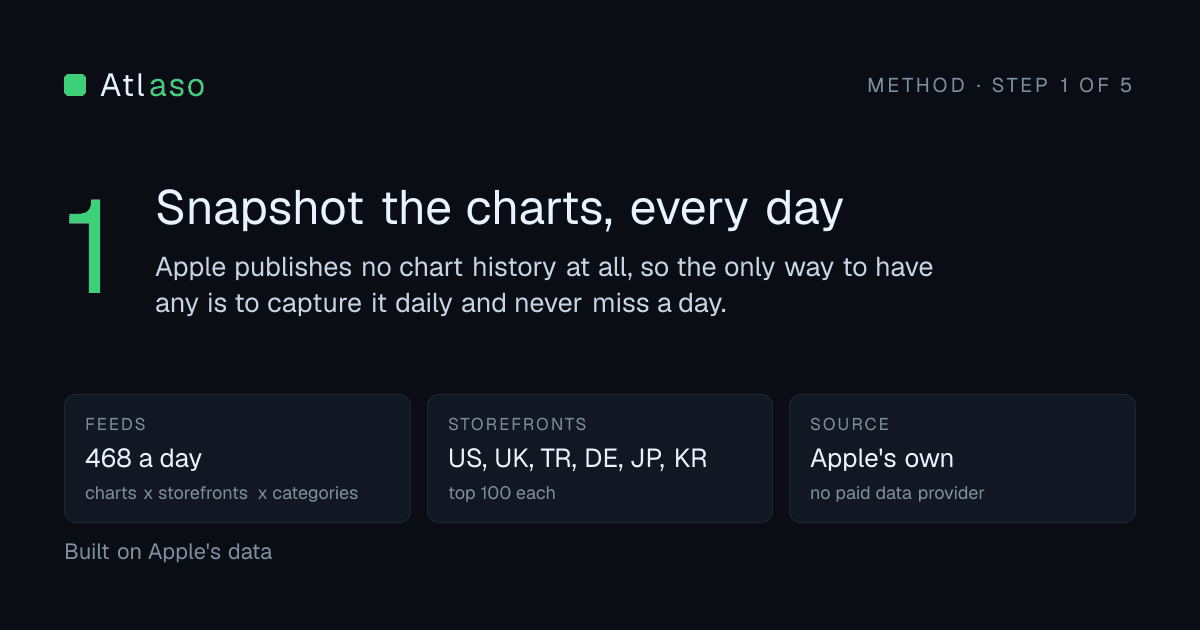
That last part is the bit tools rarely help with, because it needs history, and history only exists if somebody was recording. We snapshot 546 chart feeds a day for exactly that reason.
The limits, stated up front
The free checker serves the US storefront and is cached, so two people checking the same term within a few hours get the same answer. Difficulty and popularity are both derived from Apple's own public endpoints; neither is an internal Apple figure, and we will not pretend otherwise. If you want to see exactly how the numbers behind our opportunity reports are computed, the full engine is published, weights and all.